
Explore
01 · Front-end tour
Open Home, Products, Projects and Contact; switch desktop and mobile to show responsive behavior.
View details ↗Client presentation
A guided walkthrough connecting brand design, SEO foundations, content depth and inquiry conversion.
Use this private presentation page to move from the front-end experience to technical SEO proof, long-tail content, inquiry conversion and the formal delivery roadmap.
Open Home, Products, Projects and Contact; switch desktop and mobile to show responsive behavior.
View details ↗
Explain how product, solution, project and content clusters match search intent and buyer journeys.
View details ↗
Use F12 and search for title, meta description, canonical, H1 and application/ld+json.
View details ↗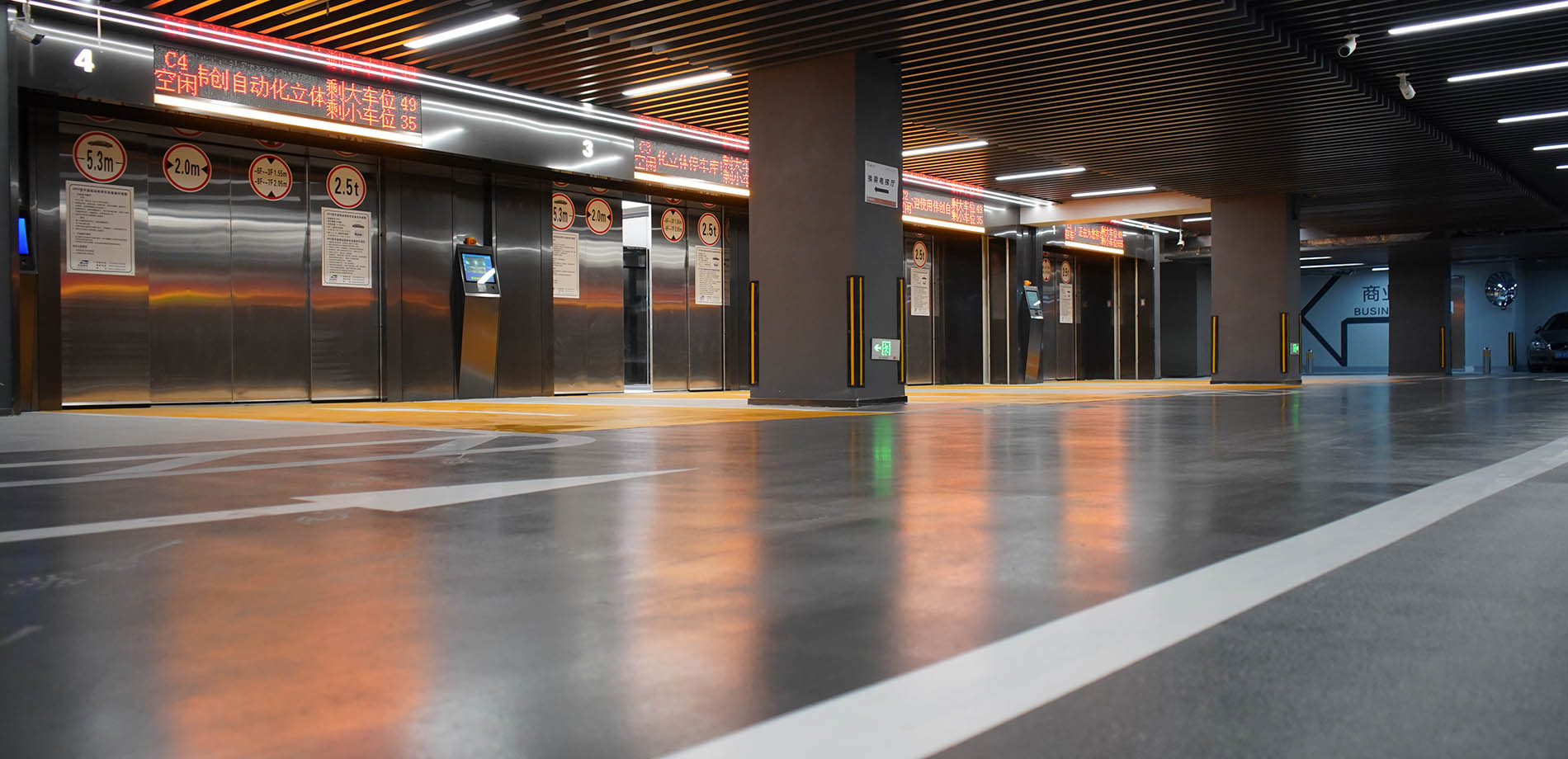
Show long-tail drafts that will build topical authority through ongoing SEO operations.
View details ↗
Show answer-first buyer content prepared for Google and AI-search visibility.
View details ↗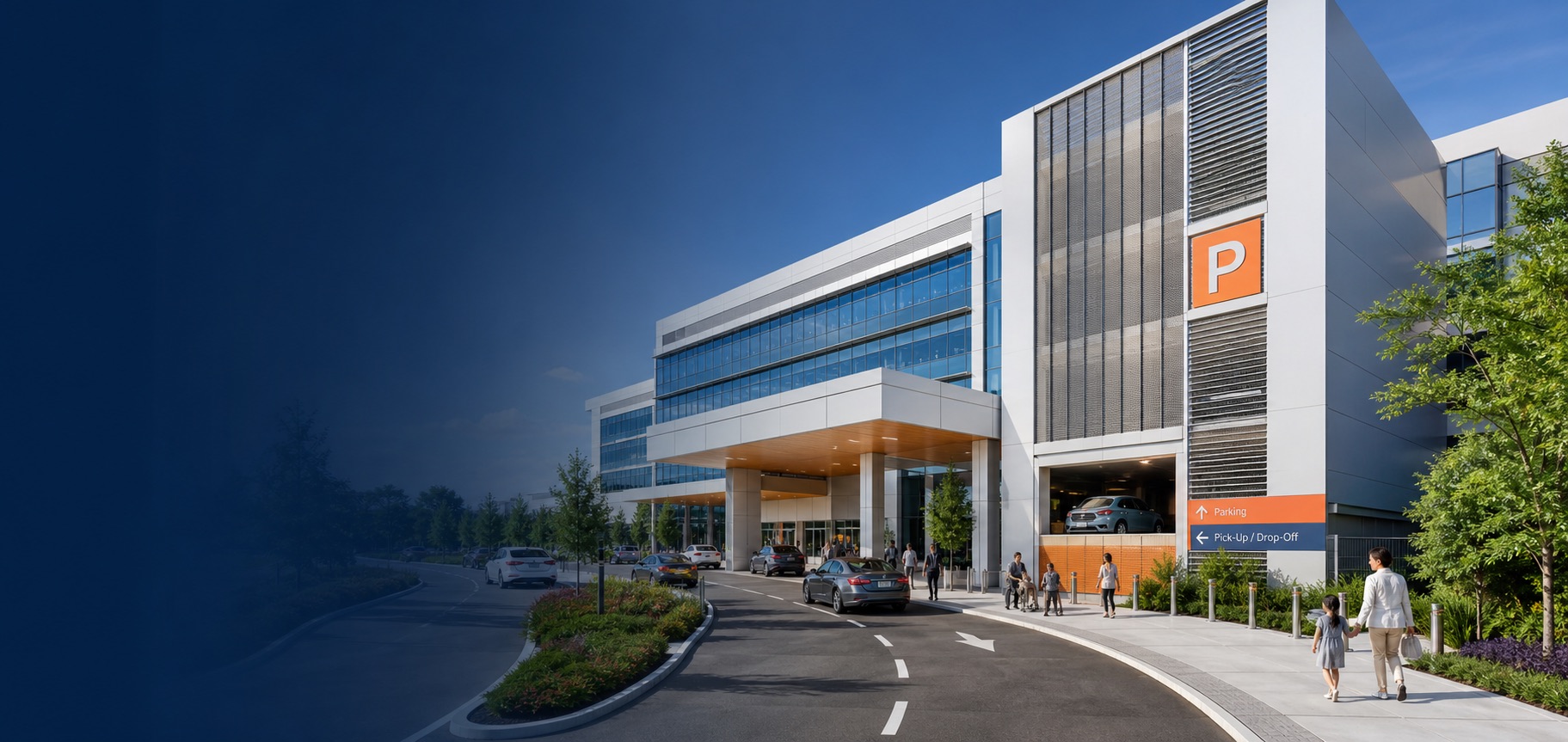
Demonstrate RFQ fields, contextual CTAs and the future CRM or email connection.
View details ↗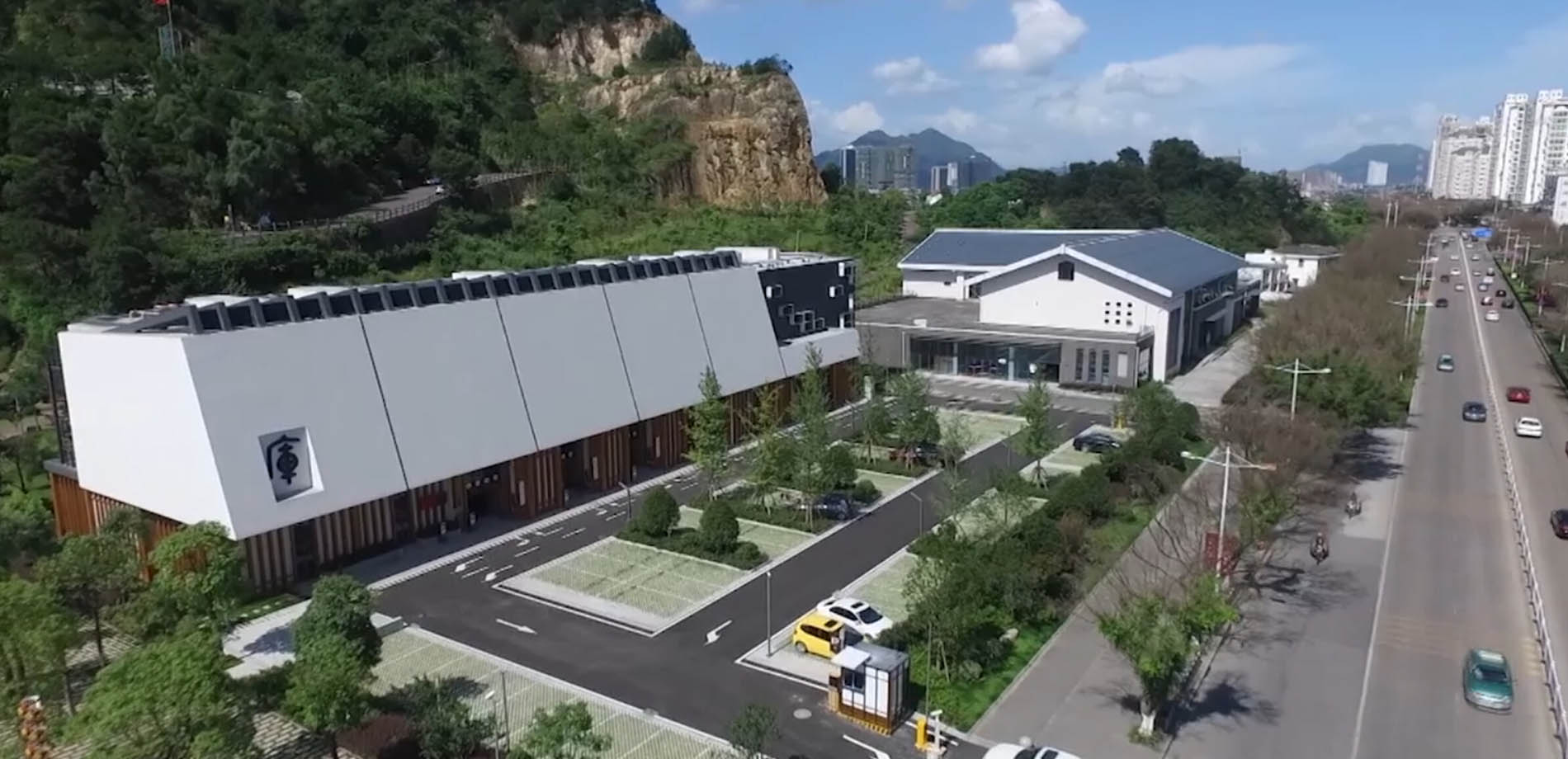
Explain Demo versus formal delivery, then transition to content, links and SEO operations.
View details ↗Use this board to demonstrate that the Demo is a crawlable, keyword-mapped B2B acquisition system—not a visual shell.
Products capture system terms; Solutions capture industry intent; Projects add evidence; Blog and FAQ build topical depth; every route connects to inquiry.
Products → Solutions → Projects → Content → RFQ
Each indexable page has a distinct title, description, canonical URL, H1 and structured data. Open F12 and search for the tags below.
title · description · canonical · h1 · ld+json
Routes use buyer vocabulary instead of random IDs: /systems/vertical-lift/, /solutions/healthcare/ and keyword-led articles.
Three substantive Blog drafts plus planning, safety and delivery FAQ clusters give SEO operations a publishable starting point.
System pages ask for drawings, project pages invite comparable-site discussion, and FAQ pages reduce uncertainty before asking for contact.
The Demo validates required fields and shows a success state, but sends and stores nothing. Formal delivery connects approved email/CRM, attribution, files and consent.